
Drupal Image Optimization with Thumbor
November 29, 2025
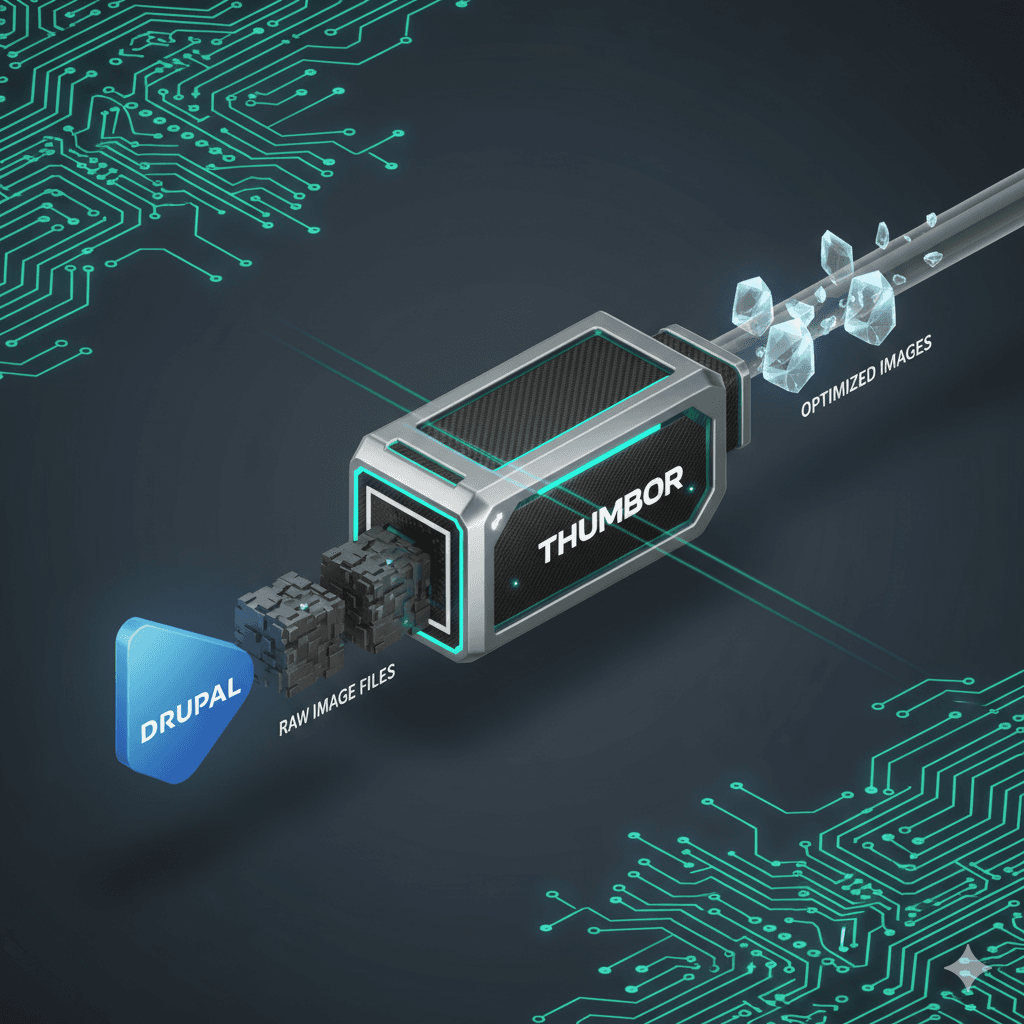
Drupal Image Optimization with Thumbor: My New Module
I developed a new Drupal module because, surprisingly, a robust solution to integrate Thumbor directly with the popular imageapi_optimize module didn't exist yet.
The module is called Image Optimize - Thumbor (imageapi_optimize_thumbor) and was created to fill this gap, offering a high-performance solution for high-traffic websites handling large amounts of images.
Purpose
This module integrates the Thumbor image optimization service with Drupal's imageapi_optimize module. It allows Drupal to use an external Thumbor server to perform image manipulations and optimizations (such as resizing, cropping, and applying filters) and serve these optimized images to users.
Key Features
- Integration with Image Optimize: It acts as a "processor" plugin for the
imageapi_optimizemodule, allowing you to add Thumbor to any existing image optimization pipeline. - Thumbor Server Communication: It handles communication with your configured Thumbor server to request optimized images.
- Security Key Support: It supports Thumbor's security key feature, which is essential for signing image URLs and preventing unauthorized manipulation.
- Direct Image Style Integration: It integrates natively with Drupal's image styles. When an image style is requested, the module intercepts the request and generates the image using the Thumbor service.
How It Works
The workflow is simple and integrated into the Drupal UI:
- Configuration: A site administrator configures an "Image Optimize pipeline" in the Drupal UI.
- Add Processor: Within the pipeline, they add the "Thumbor" processor provided by this module.
- Setup: The processor is configured with the Thumbor server URL and (optionally but recommended) the security key.
- Image Request: When a page is rendered that includes an image using this pipeline, the module constructs a special URL pointing to the Thumbor server.
- Processing: The Thumbor server receives the request, fetches the original image from the Drupal site, applies the specified optimizations (e.g., resize, crop), and returns the optimized image to the user's browser.
Dependencies and Services
The module depends on:
- Image API Optimize (
imageapi_optimize): The core module that provides the pipeline system. - Image (
image): The core Drupal image module.
The core logic resides in the imageapi_optimize_thumbor.thumbor_service service (Drupal\imageapi_optimize_thumbor\Service\ThumborService), which is responsible for building Thumbor URLs and interacting with the server, utilizing Drupal's entity_type.manager and file_system services.
Important Note on Configuration
Currently, the module specifically supports THUMBOR filesystem configuration. This means it is optimized for scenarios where Thumbor is configured to read source images directly from a shared or accessible filesystem.
Availability
I published the module code on Drupal.org. The project is open source and I am open to contributions, bug reports, and feature suggestions.
You can find the module here: